

Question Bank
Question Bank
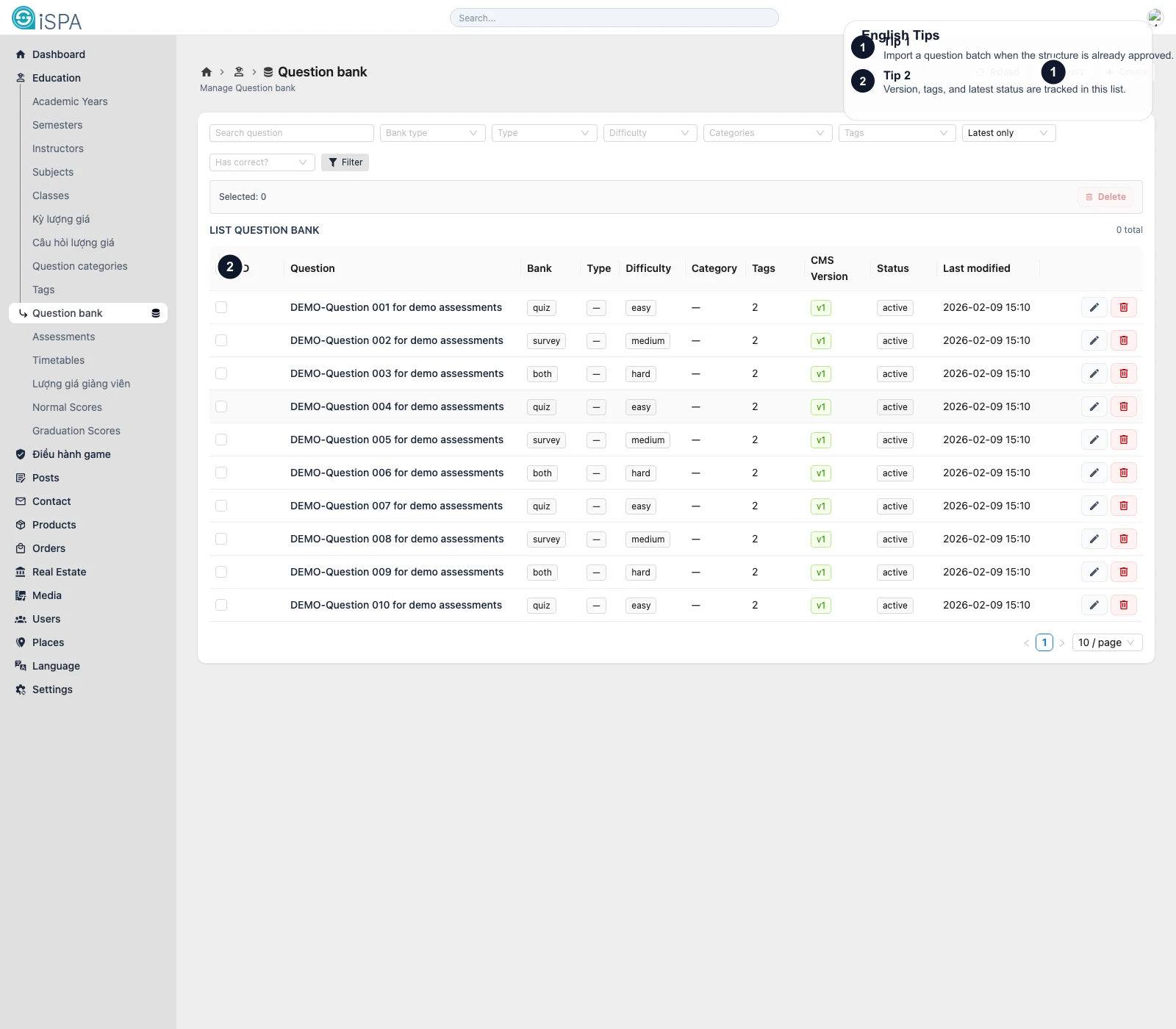
Illustration captured from the local environment on March 14, 2026. The English callouts point to the import action, filter bar, and version-aware table layout so you can see that this screen is the central reusable question library.
This page is the central question library for the Education module. Questions stored here can be reused in quizzes, surveys, and other assessment flows.
How this differs from Research Questions
- Research Questions are focused on instructor evaluation
Question Bankis a broader reusable library with versions, tags, difficulty, scoring, and answer logic
If you are building a quiz or formal assessment, this is usually the main screen.
What the screen contains
ReloadImportCreate- filters for bank type, question type, difficulty, category, and status
- bulk delete
- the question table
Important columns usually include:
- question text
bank_typetypedifficultycategory- tag count
versionis_lateststatus
Why Version matters
One question can have several revisions over time. That means:
v1,v2,v3help you track which revision you are looking atis_latesthelps you identify the newest approved version
This is useful when old assessments should stay untouched while new assessments should use improved wording or logic.
What you configure in the form
- question text
- explanation
- bank type
- category
- difficulty
- question type
- display style
- status
- tags
- whether the question has a correct answer
- score settings
- answer options
For choice questions, answer rows can also define:
- correct answer
- sort order
- dependency on another question
When should you use Import?
Use import when:
- the question set already exists in an approved source file
- you need to load a large batch
- the import structure has already been validated
After import, filter by category, difficulty, or status to validate the result quickly.
Recommended workflow
- Standardize Question Categories and Tags.
- Create or import questions into the bank.
- Confirm the latest version.
- Then use the bank from Assessments.