

Post Comments
Post Comments
Post Comments is the place where moderators or editors review, confirm, and process comments attached to post content. Use this screen when you want centralized moderation instead of opening each post separately.
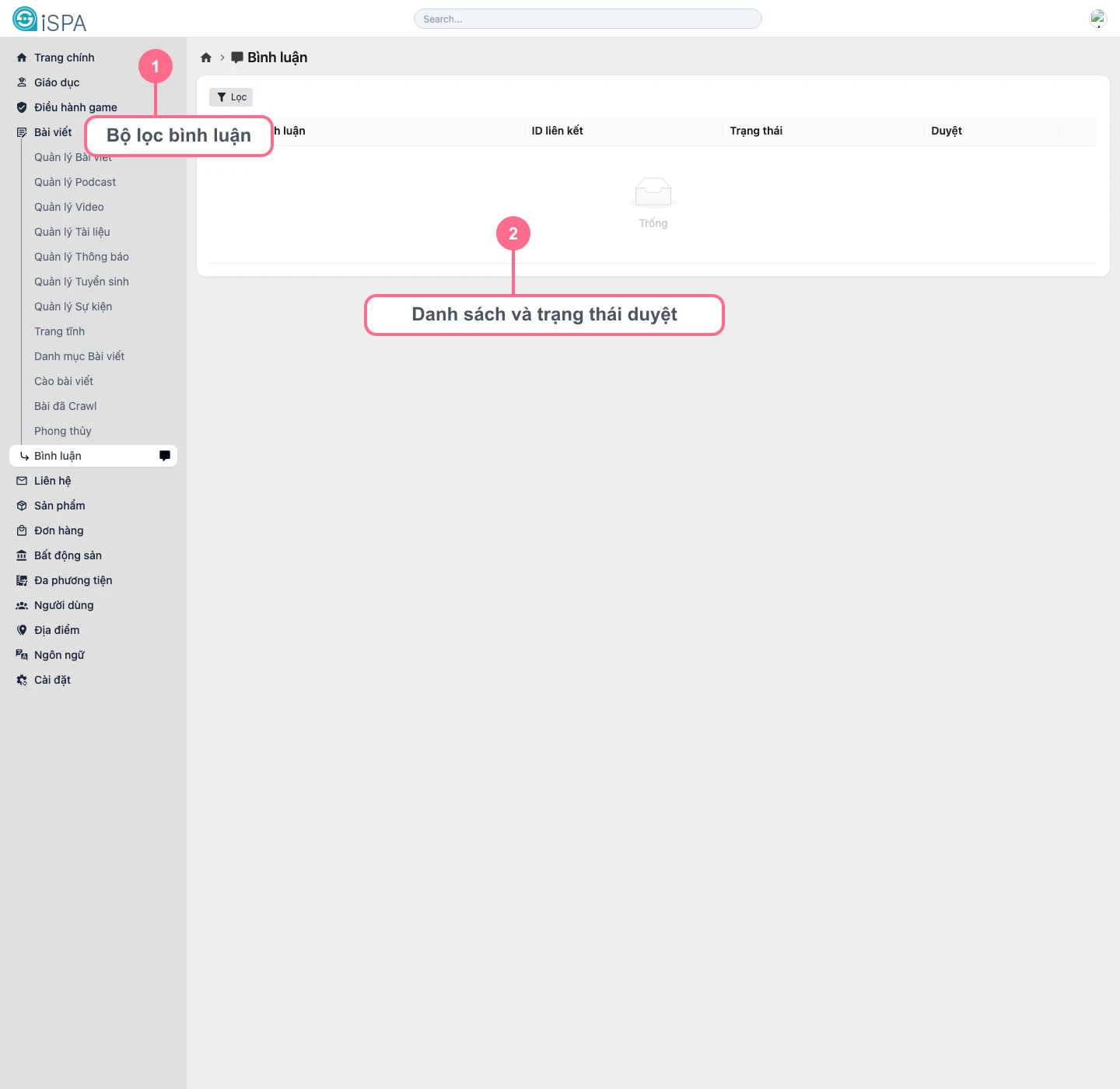
Illustration captured from the local environment on March 14, 2026. The local environment currently has no sample comments, so the table is showing an Empty state.
What is on this screen?
Comment filters: filter by moderation status, deletion state, and enabled moderation conditionsComment list: shows title, linked record ID, status, and moderation stateDetail drawer: opens when you inspect one specific comment
Proper moderation flow
- Filter by
pendingfirst if you want to process comments waiting for approval. - Open the comment and read the full content.
- Check which post the comment is attached to.
- Review the article context if the comment could be misunderstood.
- Only
Confirmthe comment when it meets the content team’s moderation rules.
What can you do with each comment?
- inspect it in the drawer
- confirm a
pendingcomment - delete a comment that does not meet requirements
- restore a comment that was removed by mistake
When should you open the detail drawer?
- when the title line is not enough to make a decision
- when you need the full text and the latest view timestamp
- when you want one more check before confirming the comment
Do not approve comments based only on the preview line
For sensitive comments, potentially controversial comments, or comments that include links or brand mentions, open the drawer and read the entire message before confirming it.